DiskDude
Free for now. No account. No nagging.
Your Mac is full.
DiskDude knows why.
macOS tells you that storage is full, but not what is taking up the space. DiskDude scans your drive in seconds and shows you the folders and files using it.
Download for MacmacOS 14 or later • Apple silicon and Intel • 3.5 MB
01 / 09
Treemap
Each file is a box. Bigger boxes use more space.
Macintosh HD, 118 GB
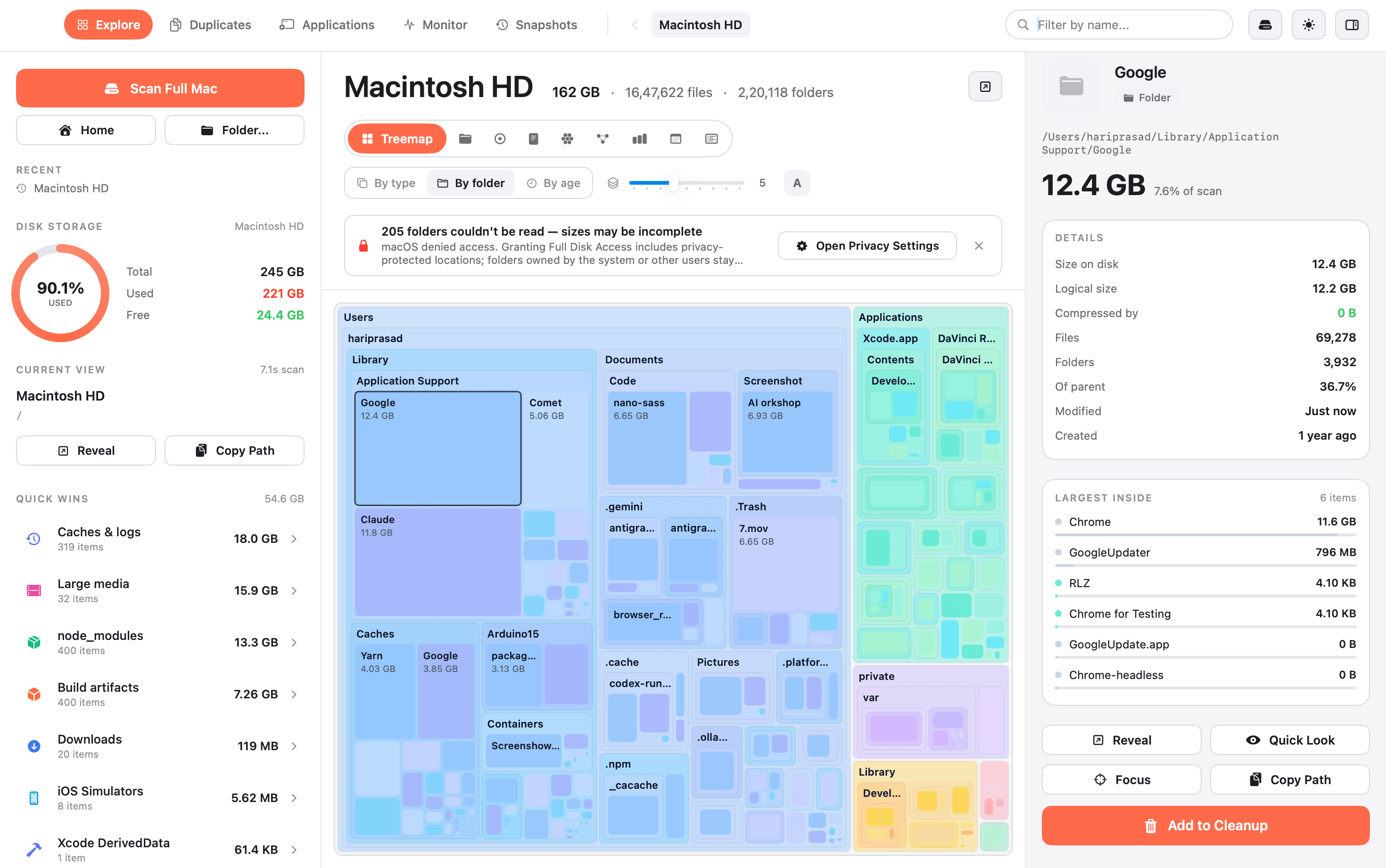
~/, 94 GB
~/Library, 41 GB
Swipe or drag to explore
One scan. Nine clear ways to see it.
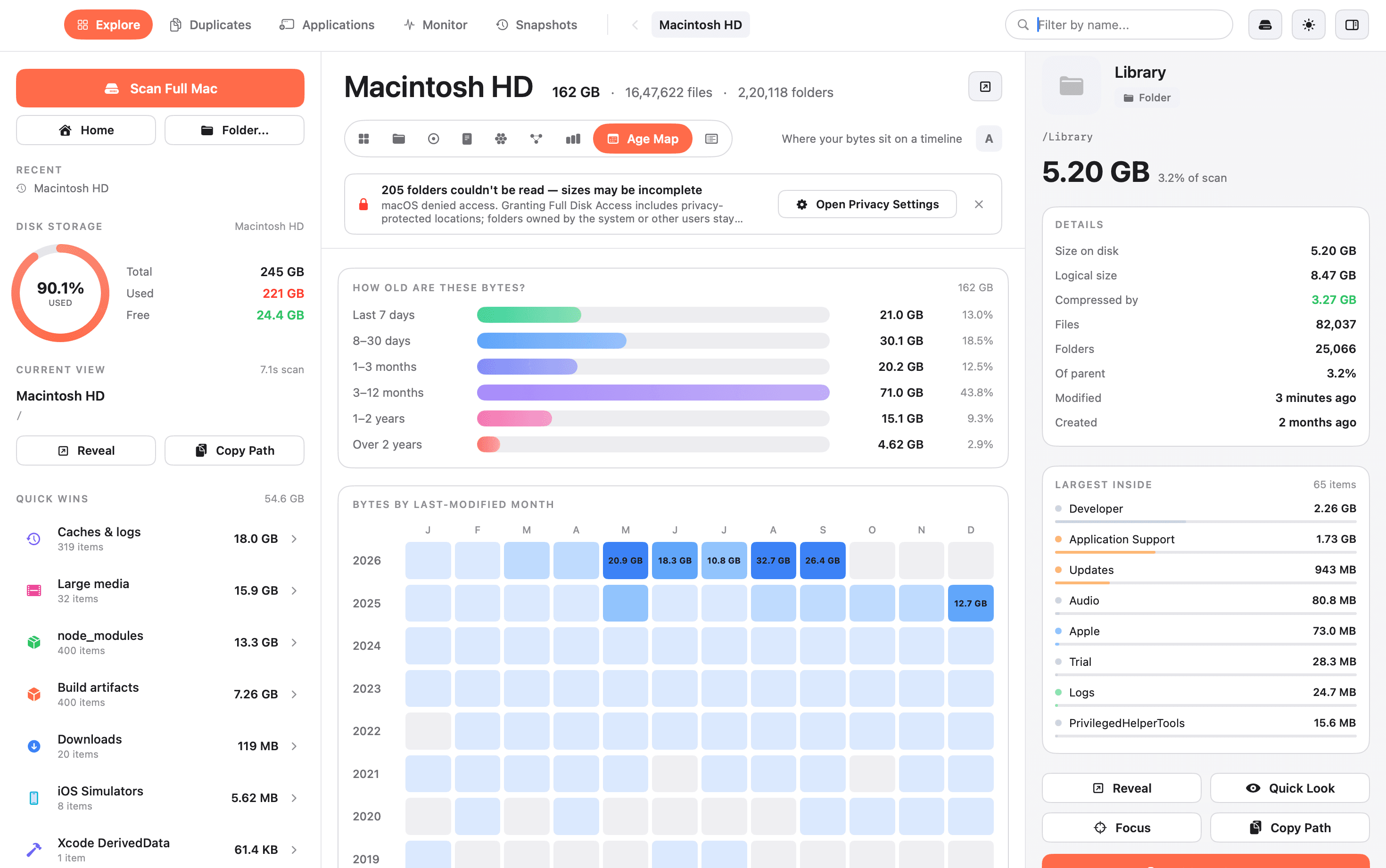
See what is taking up space
Use the view that makes the most sense to you. Every view uses the same scan, so you can quickly find large files and folders.
- ✓See size by storage used
- ✓Open any folder to look inside
- ✓Open files in Finder or Quick Look
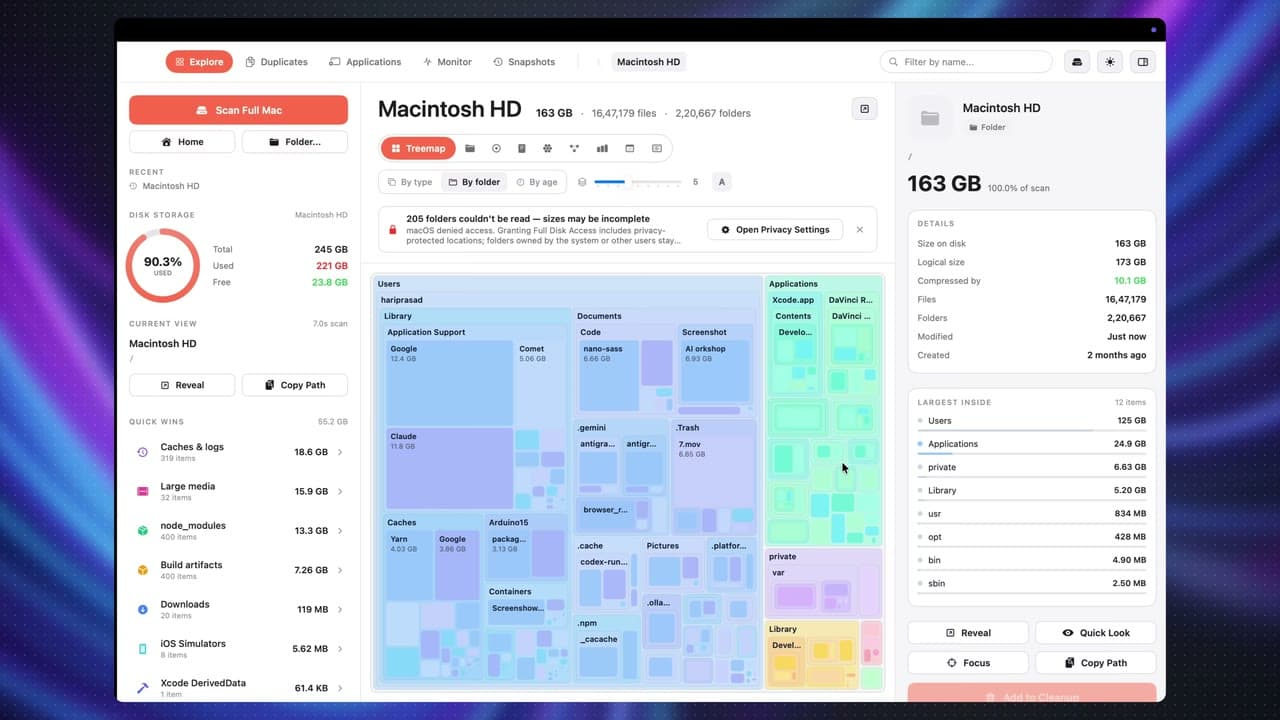
Find files you no longer use
The age map groups files by when you last changed them. It helps you find large files you may be ready to remove.
- ✓Browse files by date
- ✓Find large files you have not touched
You stay in control
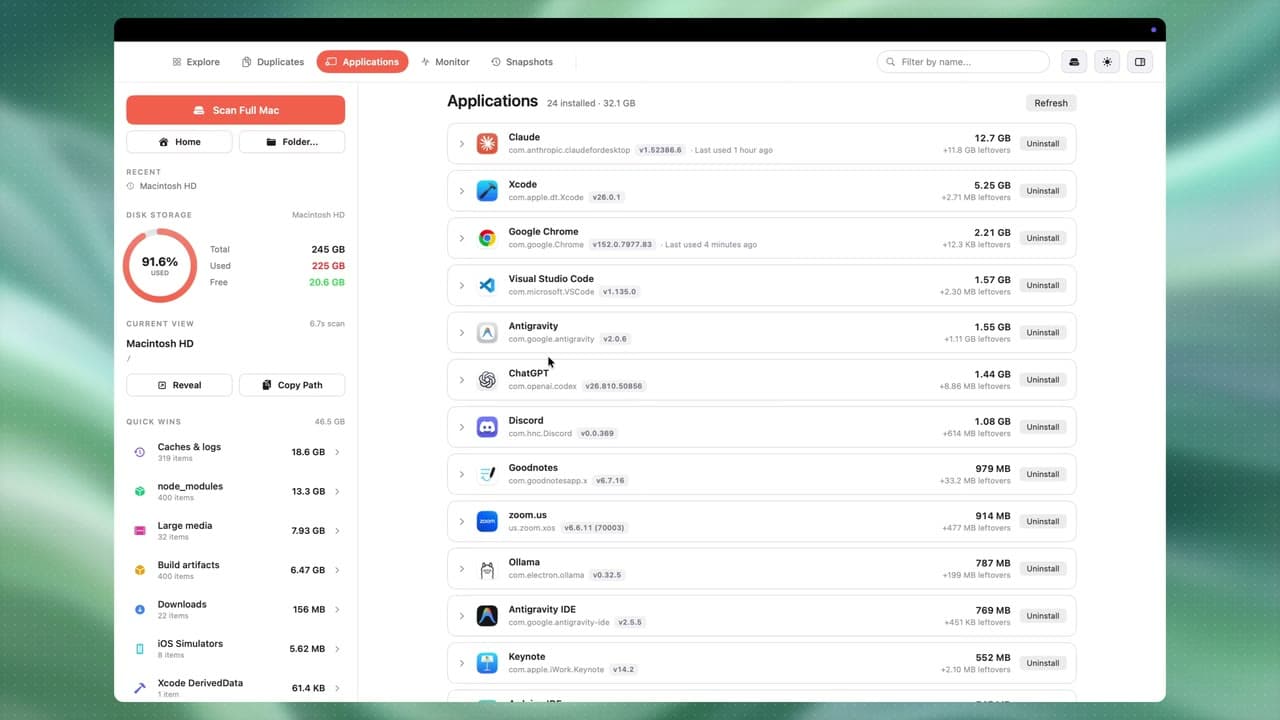
Remove apps with their leftover files and review every item before anything is deleted.
- ✓See every app's size plus its leftover files
- ✓Check the version and when you last used it
- ✓Uninstall an app and its leftovers in one click
What people are saying

Privacy first
Your drive stays yours
Scanning and duplicate checks happen on your Mac. No account, syncing, or analytics. DiskDude does not send your files or data to a server.
100%
offline scanning
0
bytes uploaded
3.5 MB
download, no account
Free to download and use.
No trial, license key, email signup, or paid version.
$5$0for now
3.5 MB · macOS 14 or later
$0 still too pricey? Vibe code your own DiskDude
- ✓All nine views included
- ✓Duplicate finder and app uninstaller
- ✓Snapshots and Cleanup
- ✓Use it on every Mac you own
- ✓v1.x is completely free